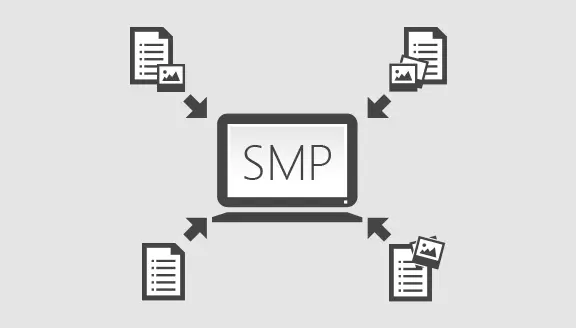
Centralised capture of tasks and reports
How many employees do you currently deploy to receive fault reports from your tenants or staff? And how long does it take them to enter those reports into rigid, complicated forms? The goal of the service portal is for your tenants or employees to create the fault reports themselves. However, the service portal also supports a call centre operation in which reports can be captured centrally. A hybrid operation is likewise possible. Supporting all of these scenarios ensures – if desired – a phased transition from a pure call centre operation to a pure self-reporting operation.
Self-service user registration on the portal
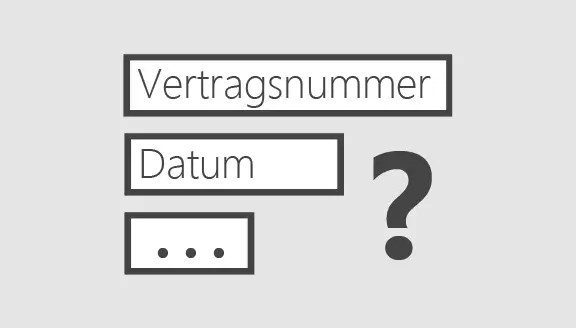
A user (e.g. a tenant or employee) creates their user account independently. This eliminates additional administrative activities, such as setting up or activating user accounts. During user registration, operator-specific attributes are supported (e.g. rental agreement number, contract signing date or personnel number). This ensures that only your tenants or employees can access the portal.
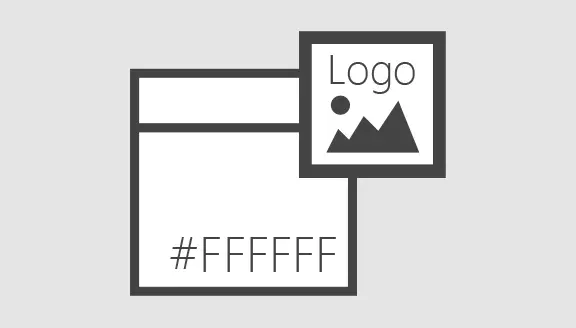
Support for your branding and corporate identity
The service portal can run under your branding or corporate identity, meaning we can, if required, make the application accessible under your domains and adapt the interface in terms of colours, logos, fonts, layout, icons and more to match your requirements. In this way, your service portal also blends visually into your environment.
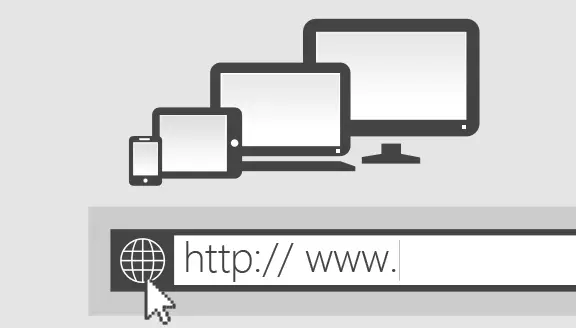
Applicable for internal and external users
Your service portal from EBCsoft can be used both as a help desk/hotline for your internal employees and for your customers, e.g. tenants. It is already worthwhile for medium-sized user groups.
Future-proof security through extensibility
As a PHP application, your service portal can be easily extended by us or your IT team so that it continues to meet all your governance and compliance requirements in the future. If your process changes – your service portal changes. It's that simple.

Efficiency through focus
The service portal was designed specifically for capturing fault reports. This is reflected in the way the application guides users and therefore enables the efficient creation of reports from a cost – and thus time – perspective.
Seamless integration into your existing service desk/hotline infrastructure
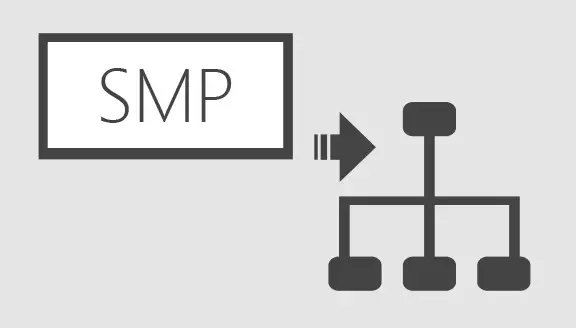
The service portal is a web application that you can operate on your intranet or the internet – or simply rent from EBCsoft. In any case, the service portal requires only two interfaces to be connected: 1. From your master data management, regularly required extracts of your master data from a property management program or an employee master data system are transferred to the service portal. This ensures that your service portal also "knows" new rental agreements or employees. This interface is currently provided as an Excel/CSV import. 2. From the service portal, the created reports must be transferred to your order processing system (e.g. CAFM software) to be handled there. Conversely, status changes must be transferred back to the service portal so that the people who reported the issue can track the progress of the processing. Both interfaces are currently implemented in the universal XML format.

Easy localisation of the affected areas or objects
When users create reports independently, it is ensured that they assign the report to the source of the fault in a technically accurate way by naming it in everyday language. This eliminates time-consuming processing and assignment in the order management system. That is why EBCsoft has developed an operator-configurable definition of the fault location that can reconcile the different ways of thinking of users and technicians. While the user labels a fault location with the designation familiar to them, a mapping to a line identifier or building automation key already takes place in the background, allowing unambiguous identification from an infrastructure perspective (e.g. the specific technical system component). As a result, the costs of resolving the fault are assigned to the correct cost centre.